
Merlin is the University Computing Centre e-learning system based on Moodle. It gives students one place for online courses and learning activities.
Use your AAI@EduHr identity, not student email.
Visibility depends on the teacher’s course settings.
You can access content regardless of location or time.
What you can do in Merlin
View or download presentations, documents, links and course notices.
Submit work and complete activities within the deadlines set by the teacher.
Review available scores, comments and activity progress.
Follow forums, messages and other communication activities enabled by the teacher.
How to sign in to Merlin
- 1Open the Merlin portal
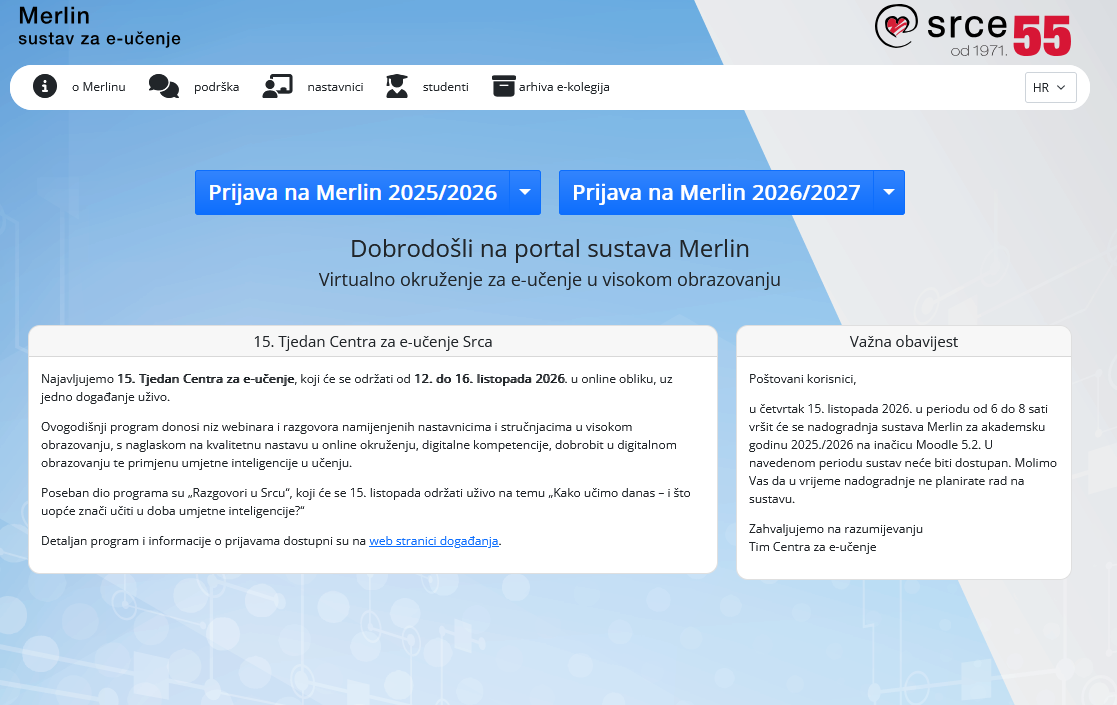
At moodle.srce.hr, select the system for the current academic year.
- 2Choose AAI@EduHr sign-in
Choose sign-in with an AAI@EduHr electronic identity.
- 3Enter AAI credentials
Enter the username iprezime@unidu.hr and your AAI password.
- 4Open your courses
After signing in, open “Dashboard” or “My courses”.