
Merlin allows teachers to organise online courses and deliver learning activities in a digital environment. Features are available once the appropriate teaching role has been assigned in a course.
Use the AAI username iprezime@unidu.hr.
The role determines editing and grading permissions.
Merlin is organised by academic year.
What a teacher can prepare
Publish documents, links, pages and notices related to the course.
Set activities, deadlines, submission conditions and grading methods.
Review submissions, enter grades and provide feedback to students.
Use forums, messages and other activities to organise work with students.
Signing in and getting started
- 1Open Merlin
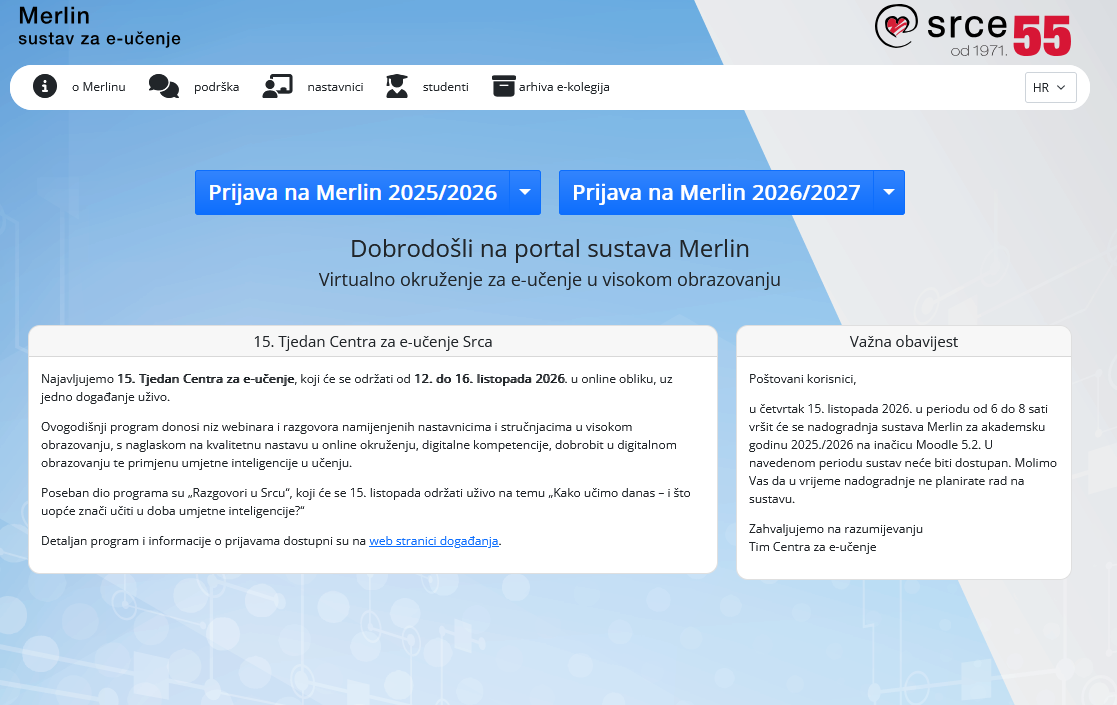
At moodle.srce.hr, select the current academic year.
- 2Sign in with AAI
Enter the username iprezime@unidu.hr and password.
- 3Open the online course
On the dashboard, select a course in which you have a teaching role.
- 4Check visibility
Before teaching begins, check that content and activities are visible to students.